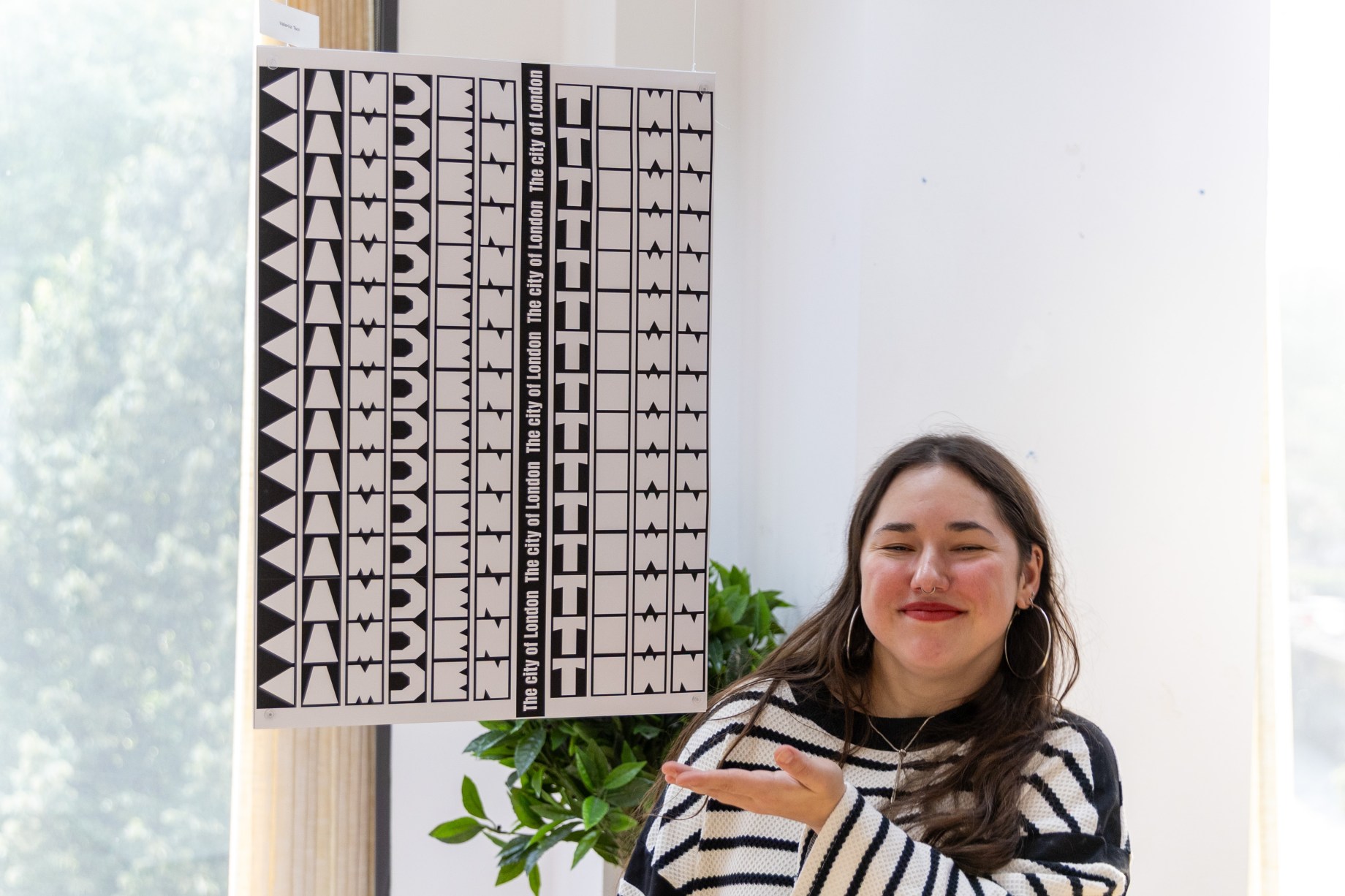






If you’re thinking about a future in graphic design, it’s worth knowing that expectations are changing fast. New design technology has raised the bar, and what felt impressive a few years ago isn’t so special anymore.
Graphic design today goes way beyond posters and flat layouts. Branding, advertising and digital campaigns are packed with visuals that feel dimensional, detailed and almost real. That’s where 3D hyper-realism comes in.
What is 3D Hyper-Realism in Graphic Design?
3D hyper-realism is about creating photorealistic visuals that look close to real photography, even though it’s been made entirely digitally.
You’ve probably already seen hyper-realism used in:
- campaign visuals that look like studio photography
- posters built around realistic 3D typography
- brand imagery focused on detailed objects rather than illustration
Why Hyper-Realism Is Becoming a Core Graphic Design Skill
One big reason hyperrealism matters more now is its flexibility. Brands want visuals that can work across websites, social media, motion and print without setting up a photoshoot every time. A lot of the time, they also need visuals before a physical product actually exists.
Because of that, graphic designers are more often expected to:
- create realistic visuals digitally
- tweak lighting or colour quickly
- deliver assets that stay consistent across different formats
The Tools Graphic Designers Are Working With
Many graphic designers use 3D software alongside their usual tools. These tools for 3D design allow designers to build realistic objects or 3D type, control light and camera angles and motion.
Top 3D design software to know about:
1. Blender
Best for realistic 3D and experimentation, Blender is a free all-in-one tool used by graphic designers to create detailed objects, environments and 3D typography.
2. Cinema4D
Best for branding and motion-led design, Cinema 4D is widely used in studios for 3D typography, animated visuals and campaign work that needs to move.
3. Adobe Dimensions
Best for product mock-ups and brand presentations, Adobe Dimension is designed for graphic designers who want clean, realistic 3D visuals without needing advanced technical 3D skills.
Overall, what matters most is not memorising software. It is understanding how light, material and form affect how a design feels, just like colour, layout and hierarchy do in 2D design.
Using 3D Hyper-Realism in Branding Without Overdoing It
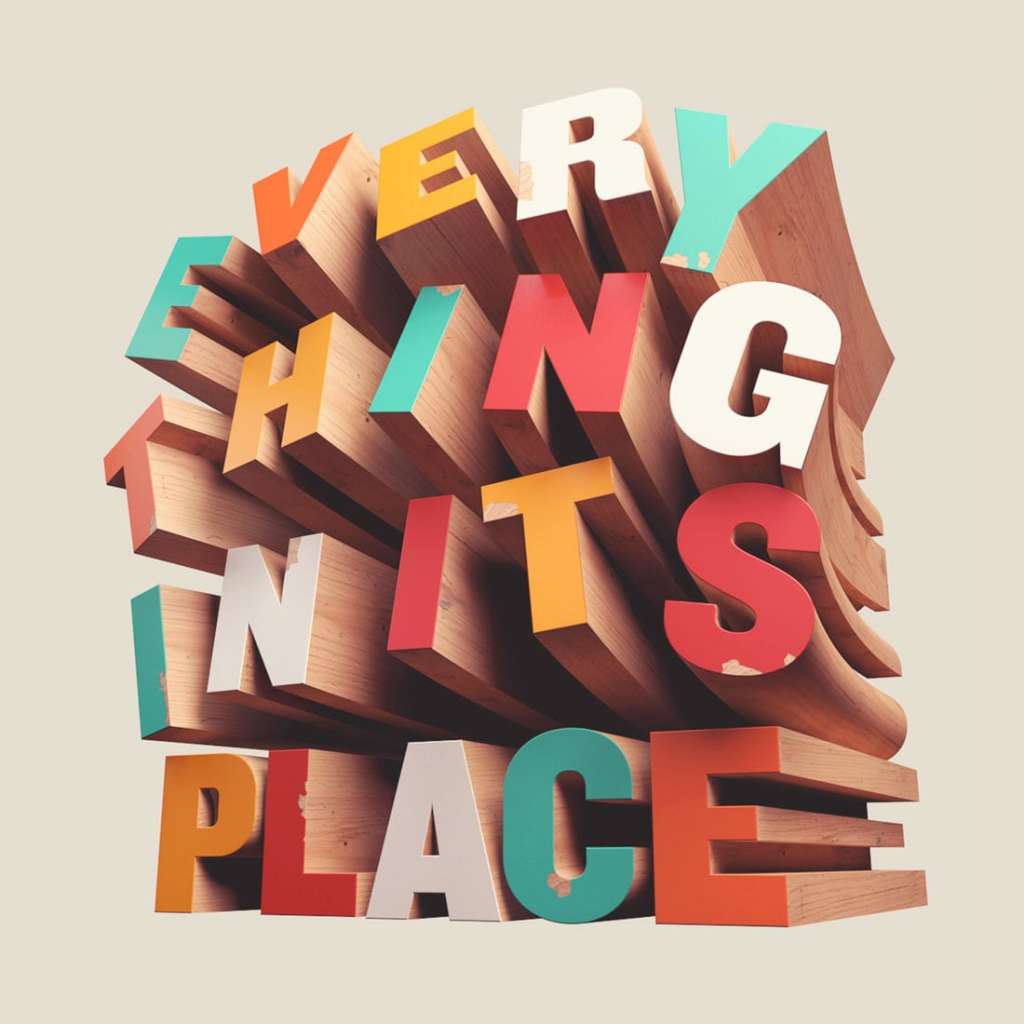
A good place to start is experimenting with 3D typography . Adding depth and texture to type gives it a physical presence. It’s usually used as a hero element in a campaign but still relies on solid typography fundamentals to work effectively.
One trend where this works really well is the squishy aesthetic. This style uses soft, rounded shapes with smooth, inflatable-looking surfaces. The lighting stays realistic, but the forms feel playful and friendly. Brands use it a lot in digital campaigns because it feels current, approachable and performs well on social platforms.
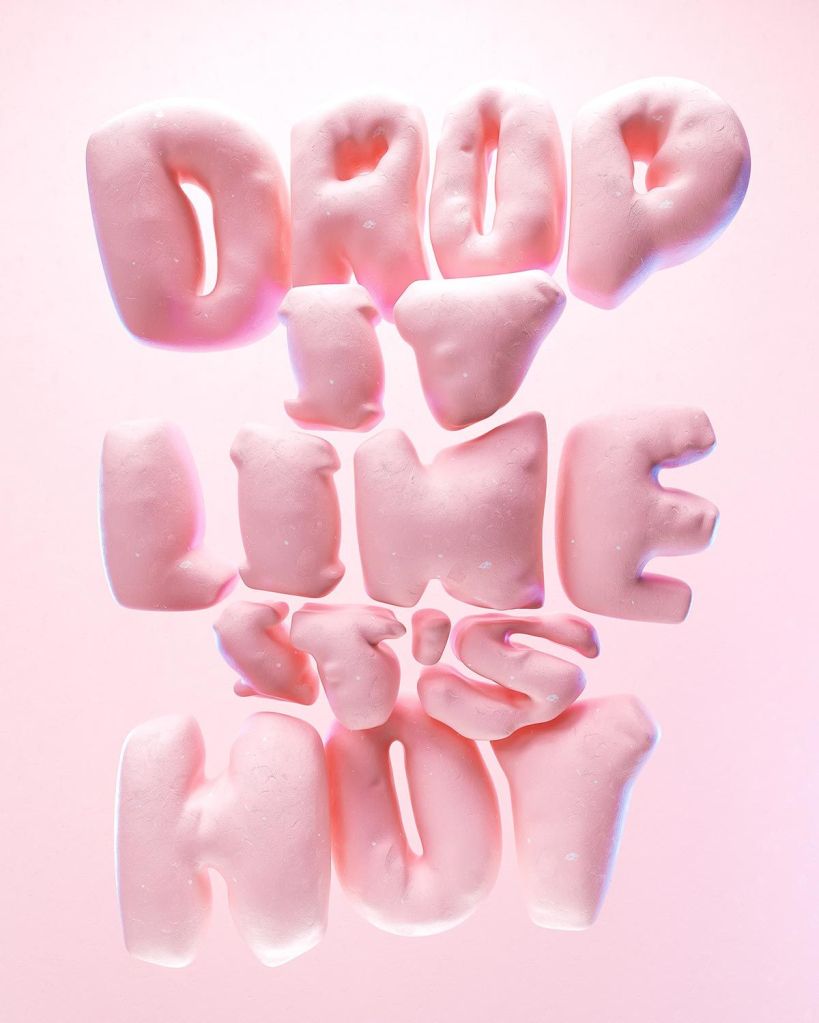
These examples show that realism doesn’t have to be strict or literal, it’s about knowing how to mix believable lighting with expressive shapes.
Getting Started with 3D as a Graphic Designer
If you’re new to 3D visualization, it can feel overwhelming at first. But most graphic designers don’t jump straight into complex scenes. They start small and build confidence as they go.
Tip 1: Work from real references
Use real photos to guide your lighting, materials and textures. Guessing usually leads to flat results, while references help your work feel grounded and believable.
Tip 2: Keep the forms simple
Start with basic objects or typography. Simple shapes make it easier to focus on how light, material and composition work without getting distracted by detail.
Tip 3: Control the lighting
Use one clear light source before adding anything complicated. Good lighting does most of the work when it comes to realism, and it’s much easier to adjust when your setup is simple.
These are some of the most useful tips for hyperrealism, especially when you’re still building confidence and learning how things behave in 3D spaces.
Graphic Design Trends Shaping 2026 and What They Mean for Future Designers
Looking ahead, graphic design in 2026 will still be about ideas and execution, but what’s changing is the visual language designers work with. More brands are now using 3D hyperrealism instead of genuine photography so understanding hyper-realism and modern design technology gives you more options and more flexibility as a designer.
If you are thinking about a future in graphic design, learning how these tools and trends fit into real industry work puts you in a stronger position. For current students, it is about staying adaptable as expectations keep changing.
Thinking About Studying?
If you want to build a career in graphic design, the course you choose matters. LCCA’s Graphic Design course is built around how the industry actually works. It combines strong creative fundamentals with current tools, workflows and visual approaches. You will develop practical skills, build a relevant portfolio and gain a clearer understanding of where graphic design is heading.